iKeePass for iPhone

Native KeePass app for iPhone with Face ID and Touch ID
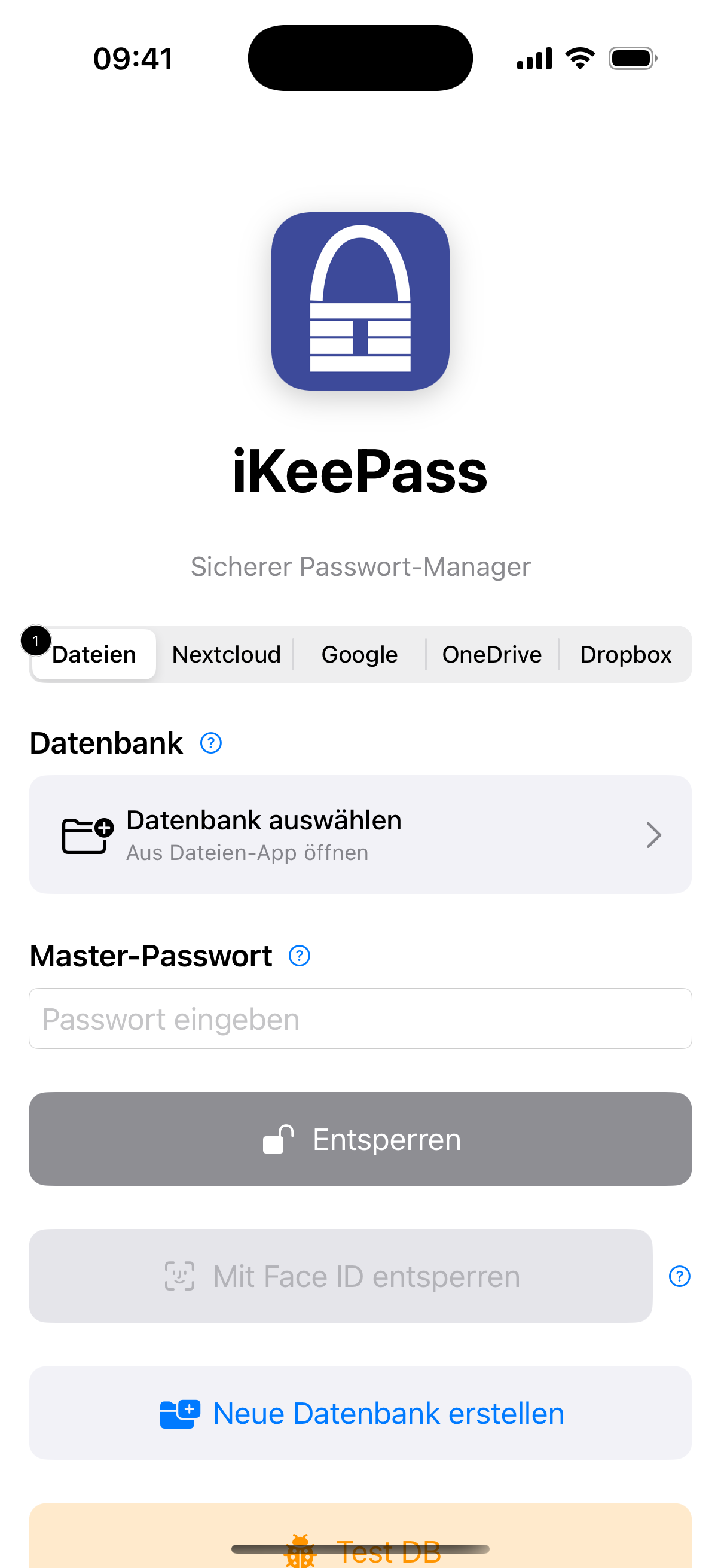
Secure Login

Secure Login

Biometric Authentication

  • Face ID or Touch ID unlock
  • Quick access without password entry
  • Secure fallback via master password
  • Cloud database selection (Nextcloud, Dropbox, OneDrive)

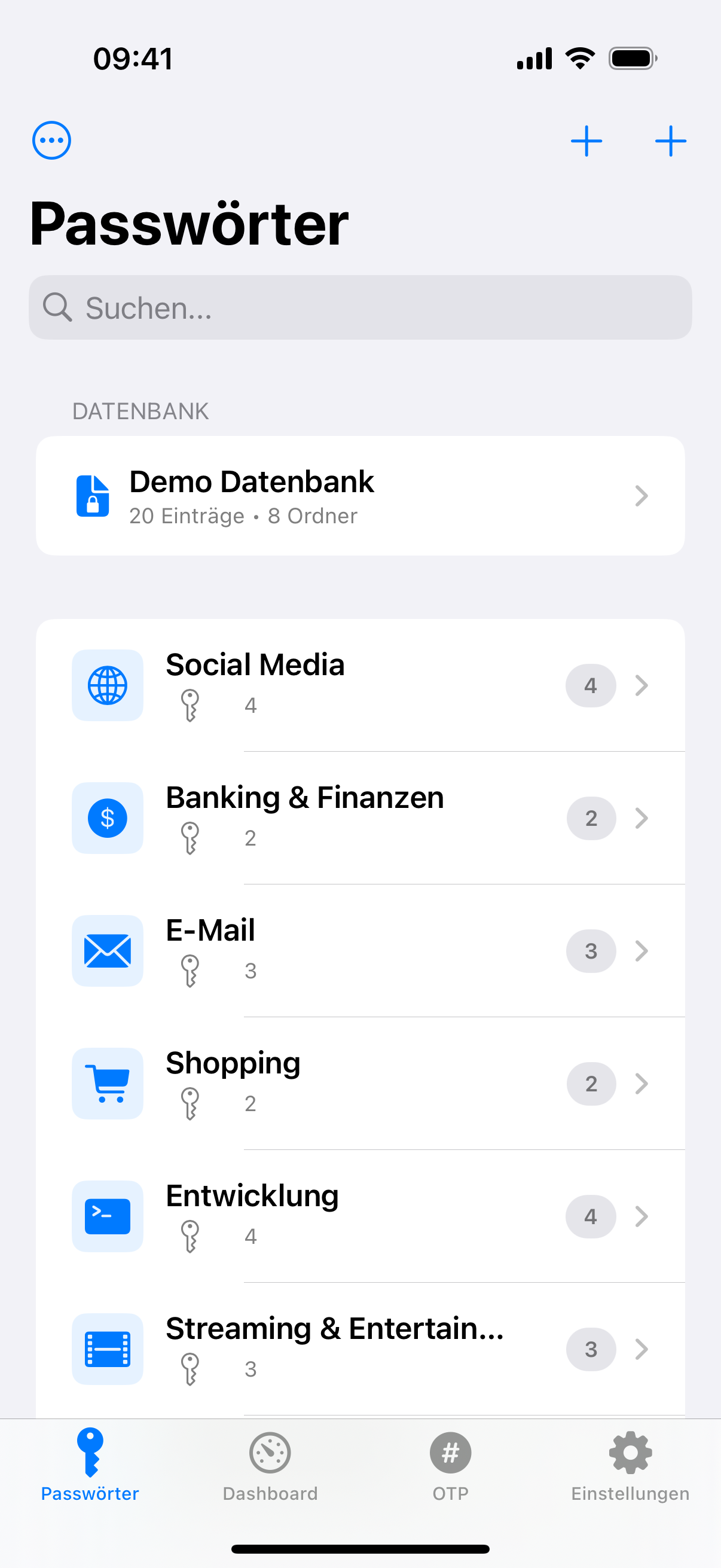
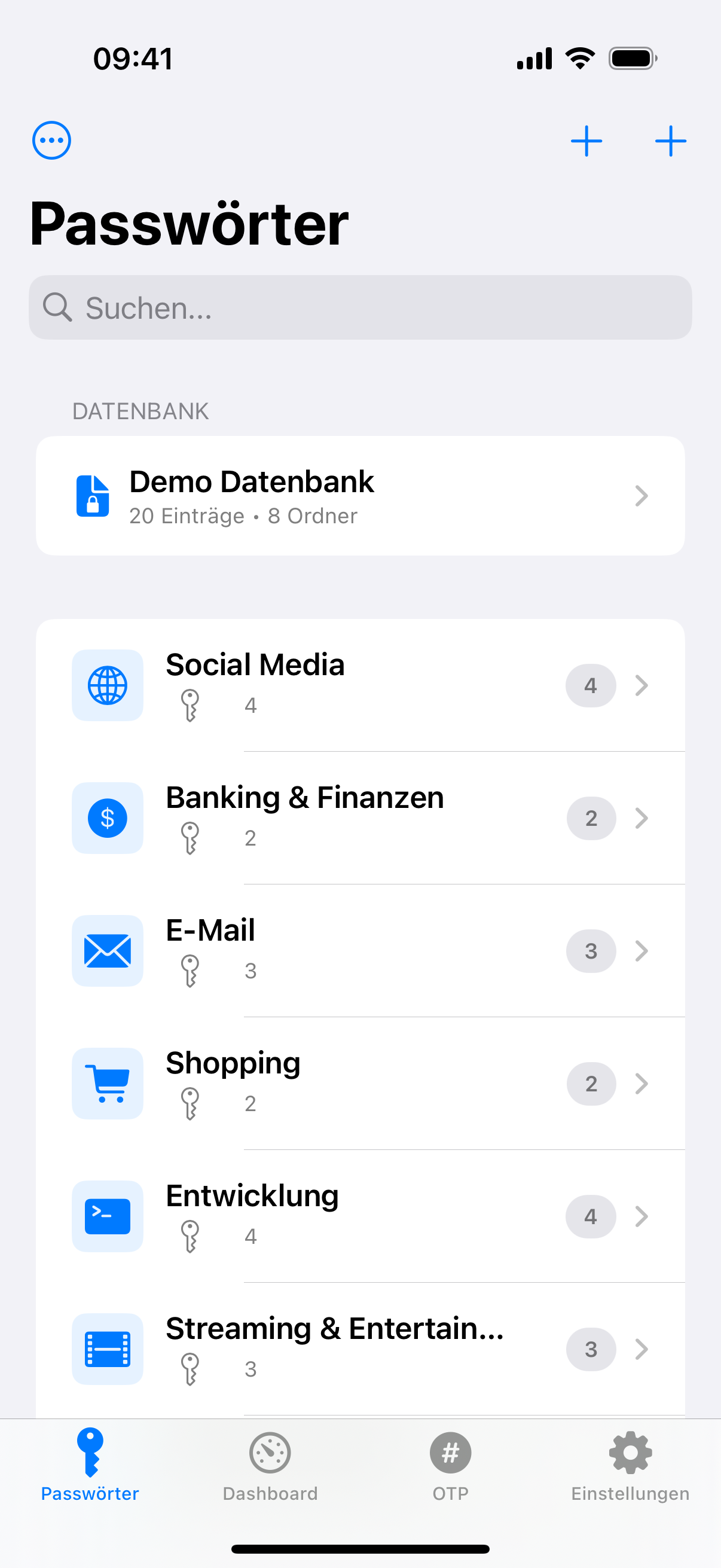
Password Management

Clear and intuitive

  • Folder structure like KeePass Desktop
  • Clear password list with icons
  • Quick search with real-time filtering
  • Swipe actions for fast copying
Password Management
Entry Details

Entry Details

All information at a glance

  • Username and password with copy buttons
  • Custom fields for additional data
  • URL links open directly
  • Show/hide password with a tap

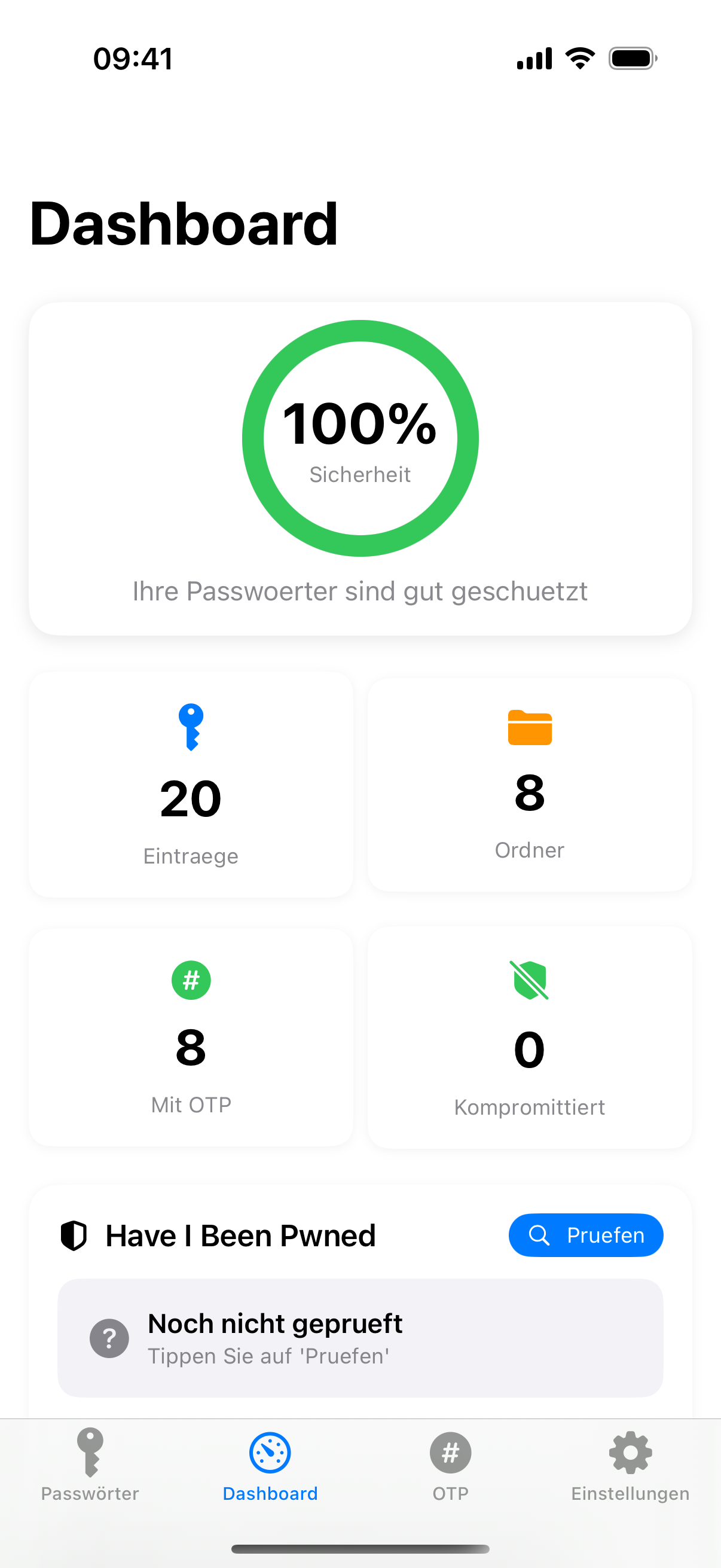
Security Dashboard

Password security at a glance

  • Security Score calculation (0-100%)
  • Detect weak passwords (<8 characters)
  • Automatically find duplicate passwords
  • Identify old passwords (>90 days)
  • Visual statistics dashboard
Security Dashboard
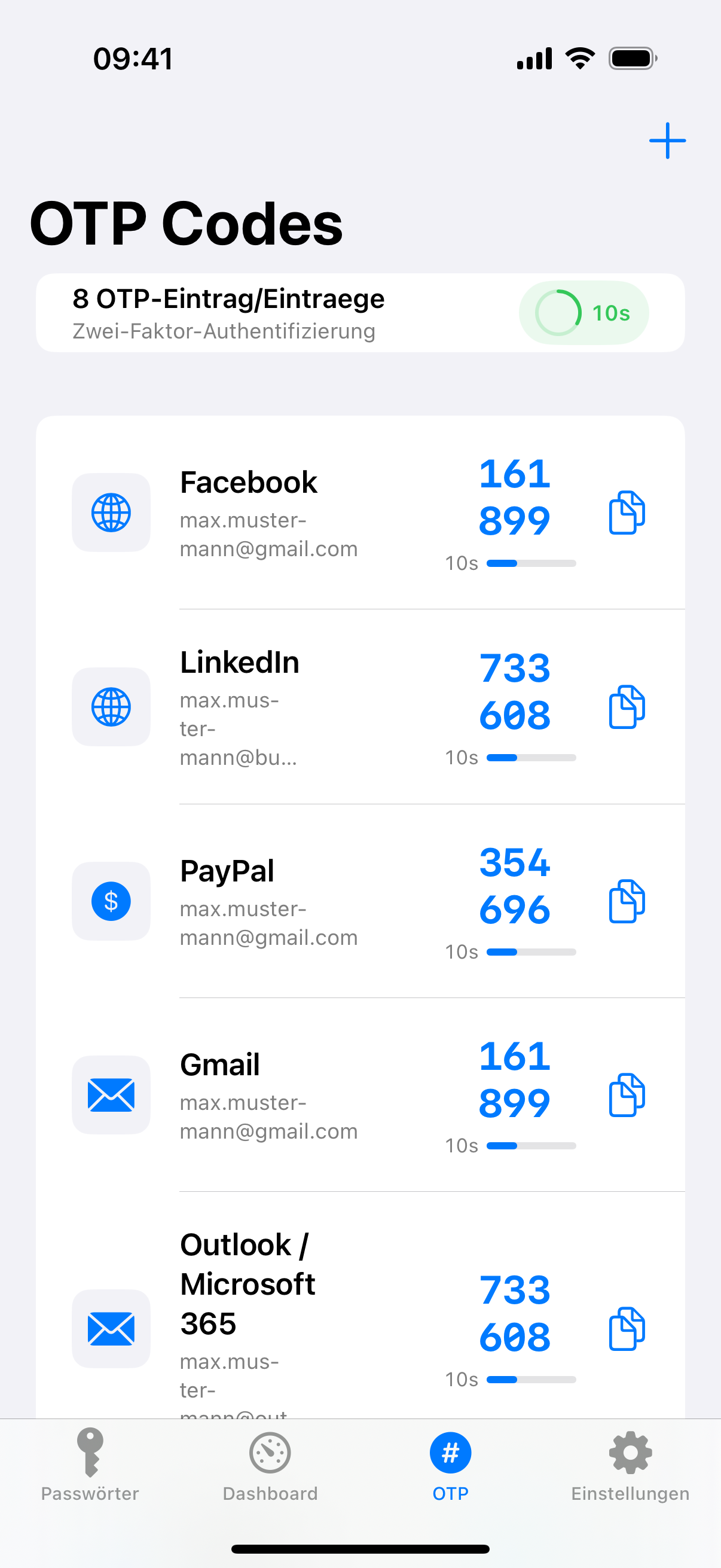
TOTP/OTP Codes

TOTP/OTP Codes

Two-factor authentication

  • 6-digit codes with real-time generation
  • Countdown timer with visual progress bar
  • One-tap copy to clipboard
  • Supports TOTP and HOTP standards

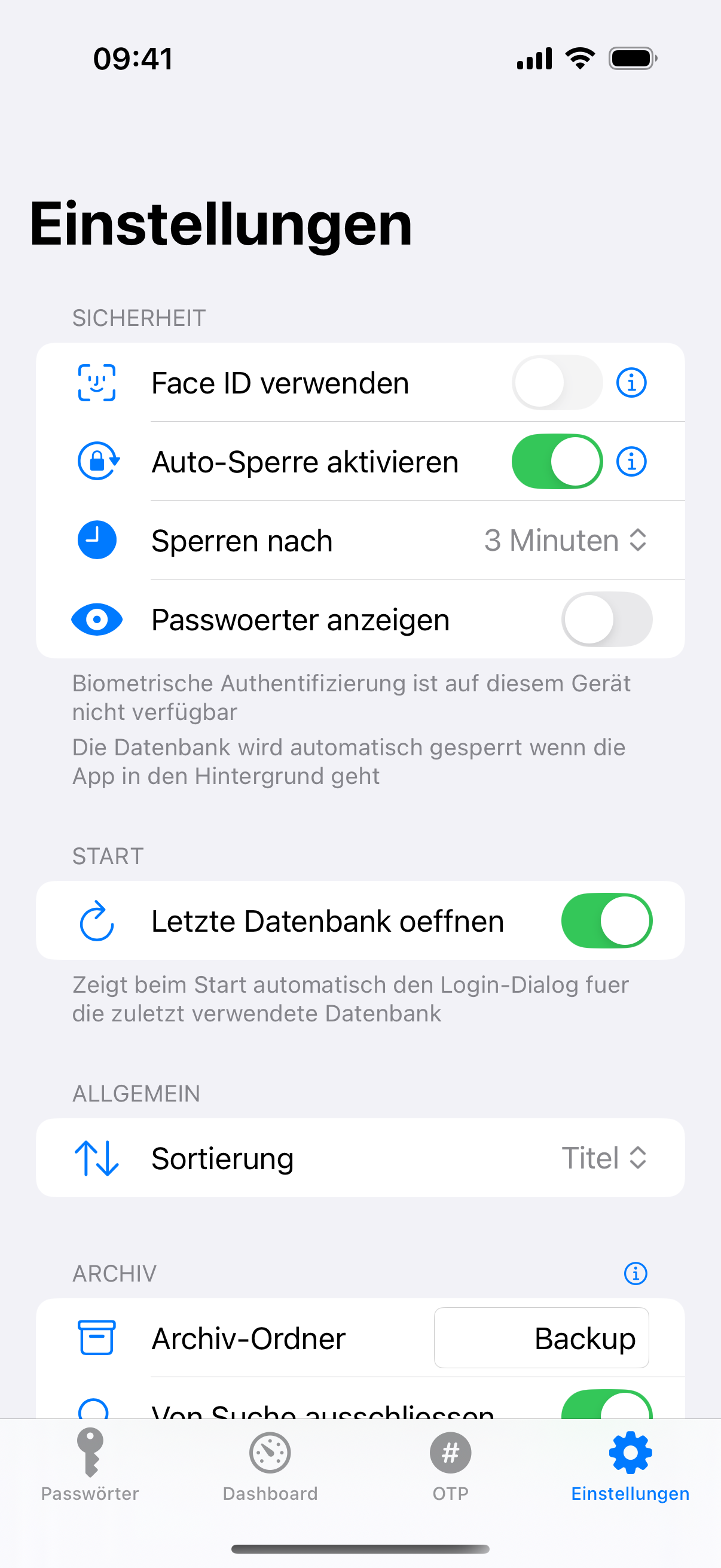
Settings

Extensive customization options

  • Database management (Open, Create, Switch)
  • Cloud sync setup (Nextcloud, Dropbox, OneDrive)
  • Biometrics enable/disable
  • Security settings (Auto-Lock, Clipboard)
Settings

Flexible Entry Types

Custom fields for special data

  • Banking entries with IBAN, BIC, account number
  • Custom fields unlimited
  • Protected fields with password protection
  • File attachments (images, PDFs, documents)
Flexible Entry Types

List or Tiles

Switch on every level

  • Switch in the toolbar of the folder view
  • Tile view with large icons
  • A coloured border shows password quality
  • Reachable on every navigation level

OTP Widget

One-time codes on the home screen

  • WidgetKit widget in medium and large size
  • Codes of the open database with a countdown ring
  • No secret leaves the app - only pre-calculated codes
  • A notice appears when no database is open

Import from Apple Passwords

Credential Exchange, encrypted

  • Take over passwords, verification codes and passkeys
  • No export file - the handover happens app to app
  • Preview with a duplicate check and a target group of your choice
  • Imported entries are marked ๐Ÿ“ฅ ยท requires iOS 26

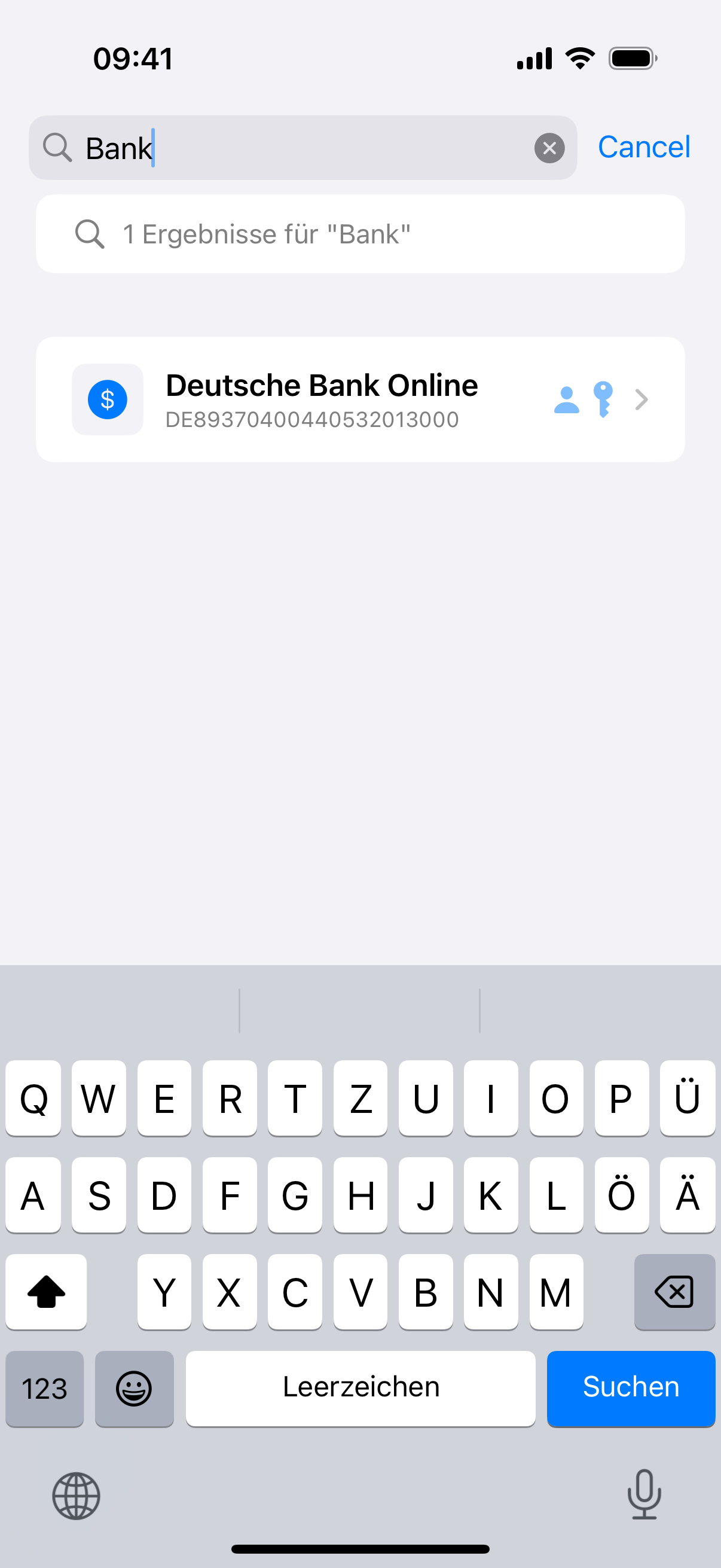
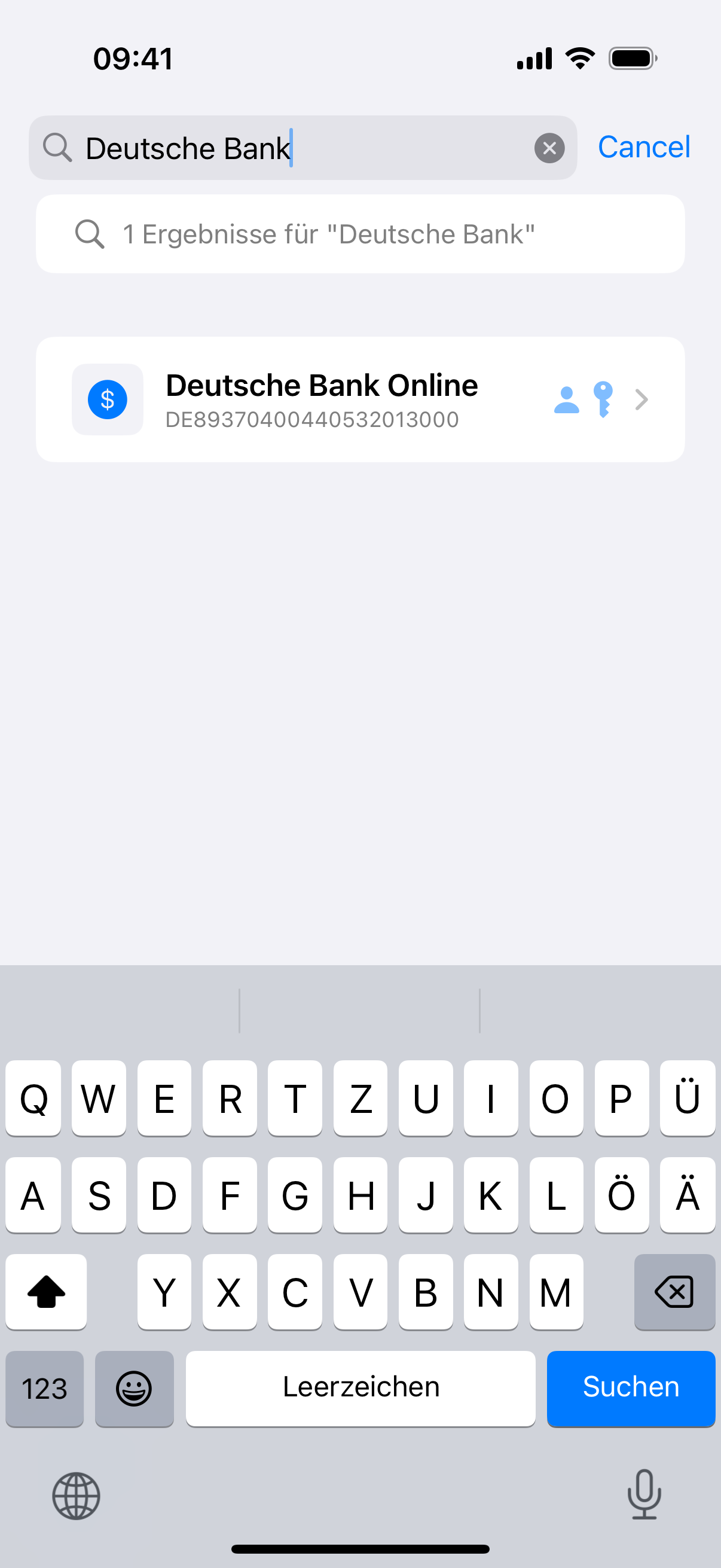
Spotlight & Auto Logout

System search and a timed sign-out

  • Title, user name and URL in the Spotlight index - never the password
  • Selecting a result opens the entry directly in the app
  • Auto logout after a chosen time
  • The setting lives in the KDBX file and applies on every device

System Requirements

Requirement Minimum
iOS 17.0 or newer
Devices iPhone 8 or newer
Storage 30 MB

Download

iKeePass for iPhone is now available in the App Store โ€“ for just โ‚ฌ3.99.